Handheld Solutions
Data Sheet
Screen Shots
Boson Screen Shots
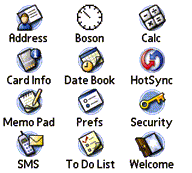
Launch Boson with a Tap!
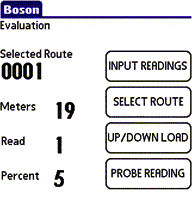
Main Screen
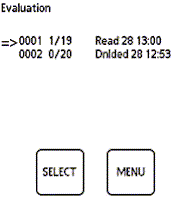
Select a Route
A single tap on the launcher screen starts Boson immediately. Boson is Palm OS native and OS 5 ready.
Boson shows the currently selected route, the number of meters in the route, number of meters read and the percentage of route completed.
Boson can handle multiple routes (if billing software allows) on the handheld. Simply select which route you choose to read.
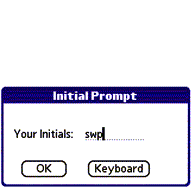
Who are you?
Entry Screen
Entry Screen
Indicate your name or initials for the readings.
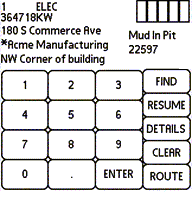
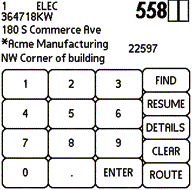
Meter data is shown, for the current meter account
Tap in the reading using the large format keypads. Entry boxes must be complete before reading is accepted
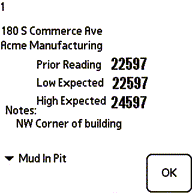
Detail Screen
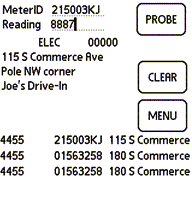
Probe Meter Reading
Previous reading date is shown. If reading is not possible select an excuse from the exception list.
Attach a probe to handheld to read meters with touch pads.
Ionware, Inc., 1455 Westhampton View Lane, Chesterfield, MO 63005
website designed and maintained by MidStateNet Inc.
 Handheld Solutions